
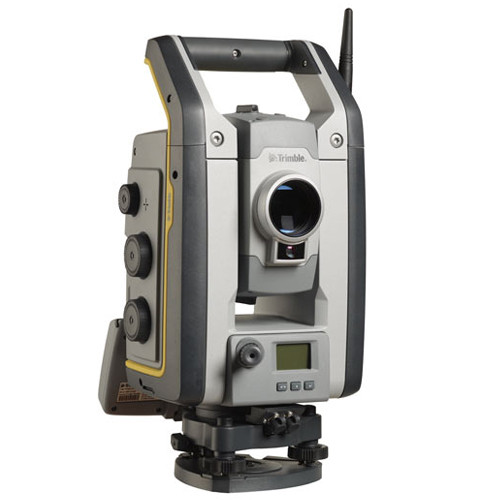
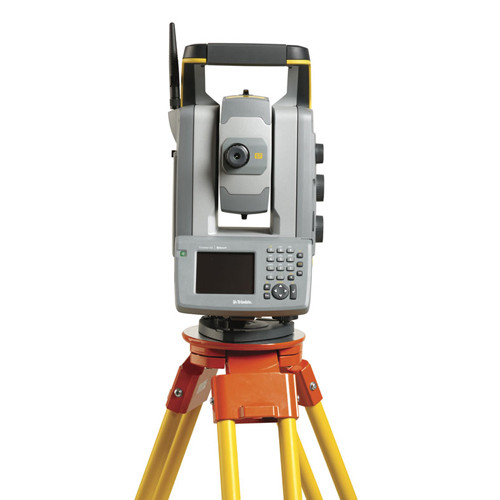
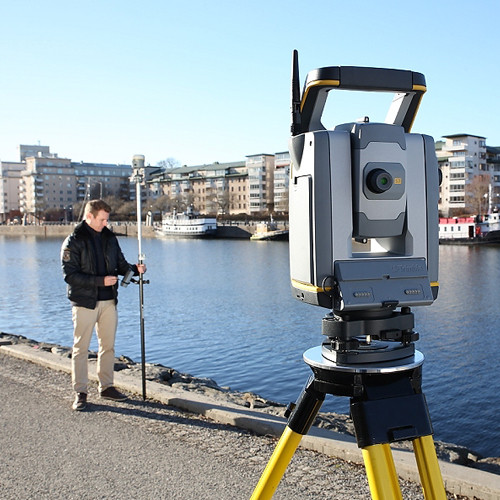

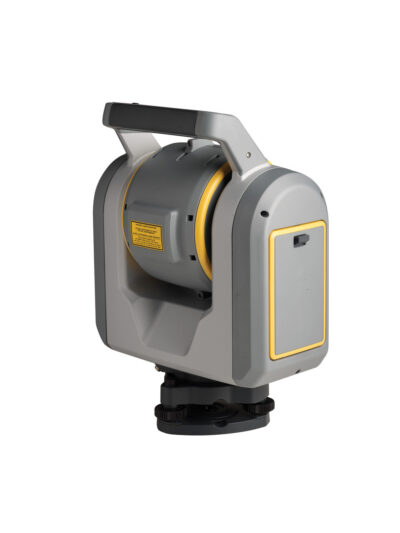
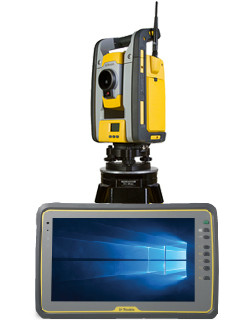
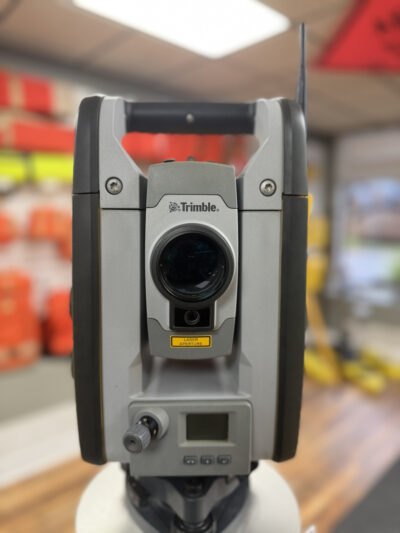
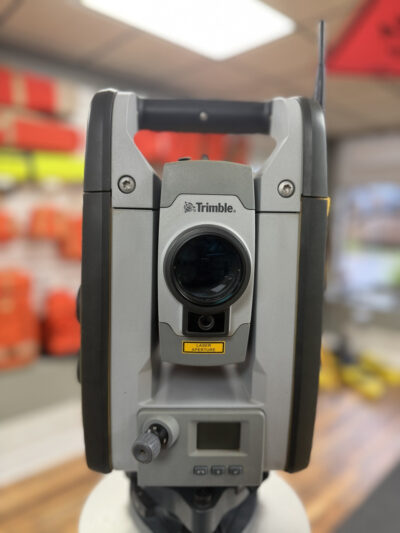
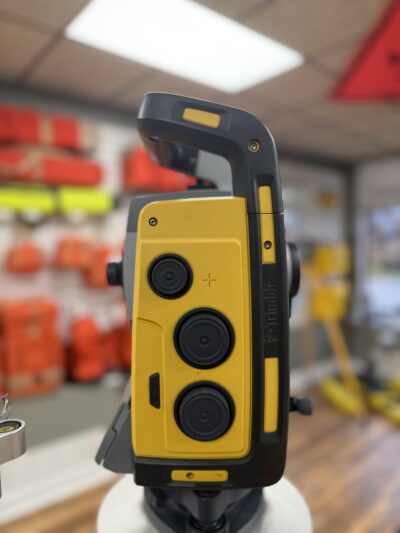
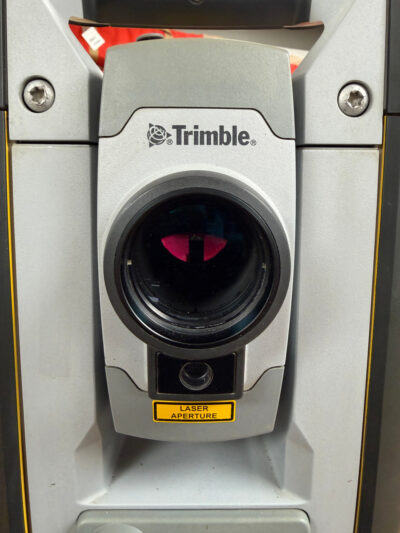
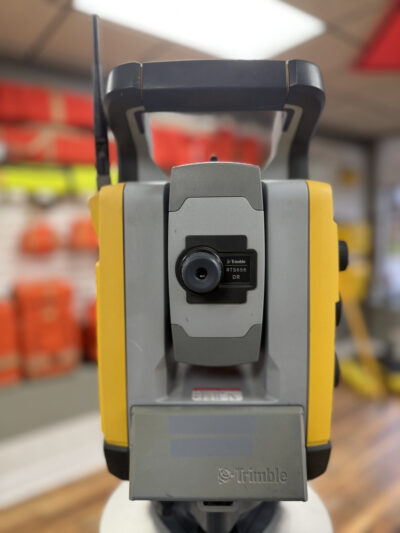
Trimble S7 Robotic DR Plus Total Station
Price by quote
-
Checked and calibrated on our bench before it ships. How we calibrate
-
Warranty repairs and calibration, in-house. Service & repair
-
Genuine equipment, sold and supported by PLI.
Details
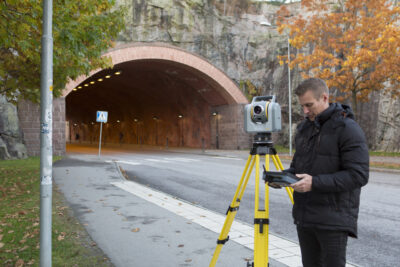
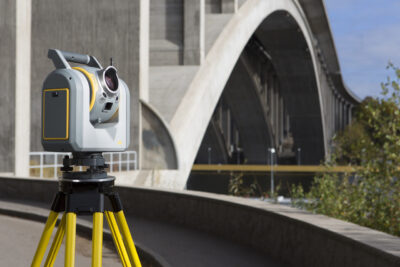
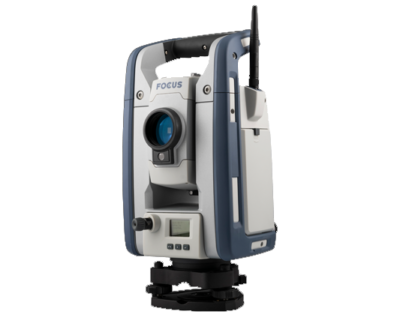
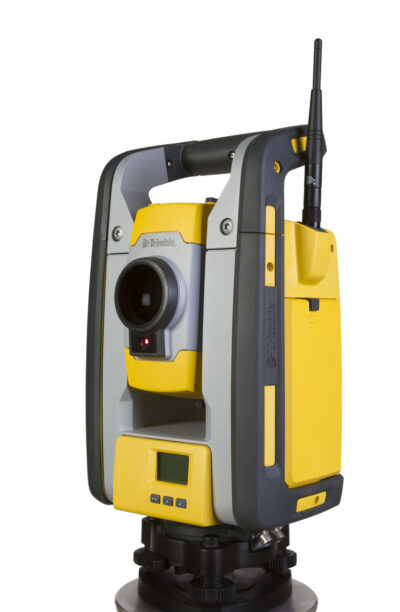
- The Trimble S7 Total Station combines scanning, imaging and surveying into one powerful solution
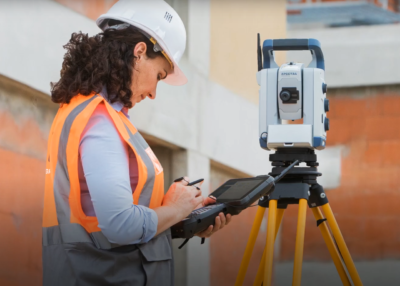
- Now you only need one instrument on the job site to perform all your data capture. Create 3D models, high accuracy visual site documentation, point clouds, and more using the Trimble S7, Trimble Access™ field software and Trimble Business Center office software
- Know where your total stations are 24 hours a day with Trimble Locate2Protect technology
- See where your equipment is at any given time and get alerts if your instrument leaves a jobsite or experiences unexpected equipment shock or abuse
- Trimble InSphere™ Equipment Manager system lets you view usage and keep up-todate on firmware, software and maintenance requirements
- With Trimble Locate2Protect and InSphere Equipment Manager, you can rest assured knowing your equipment is up-to-date and where it should be
-
Features
- Surveying, imaging and 3D scanning in one powerful solution
- Improved Trimble VISION technology for video robotic control, scene documentation and photogrametric measurements
- Trimble DR Plus for long range and superior accuracy
- Locate2Protect real-time equipment monitoring and Trimble InSphere equipment management
- Complete field-to-office solution for quick data capture and processing
- Seamless integration with the Trimble V10 Imaging Rover and GNSS receivers
Specifications
| SKU | |
|---|---|
| Brand | Trimble |
Full specifications available on request.
Available options
| Trimble S7 | Part number | Price |
|---|---|---|
| S7 3" Robotic DR Plus, VISION, FineLock Total Station | Price by quote | |
| S7 1" Robotic DR Plus, VISION, FineLock Total Station | Price by quote |
Resources
Manuals & guides
Looking for something else? Browse the resource library.
Service & support
Calibration and service
Annual cleaning and calibration keeps it accurate. In-house, by factory-trained technicians.
Service & repairRequest a repair
Tell us what it is doing and we will tell you what happens next.
Start a repair requestTalk to the service desk
Questions about setup, firmware or a fault in the field.
Call 724-266-1600, Opt. 2Related products
Rentable
Pre-owned