
Trimble Business Center Aerial Photogrammetry Module
Price by quote
-
Warranty repairs and calibration, in-house. Service & repair
-
Genuine equipment, sold and supported by PLI.
Details
Overview Webinar | Workflow Bulletin
Intro Course | YouTube Channel | Dataset 1 | Dataset 2 | Subscription Plans
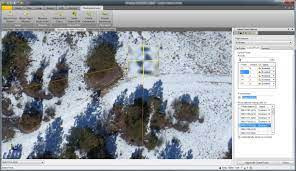
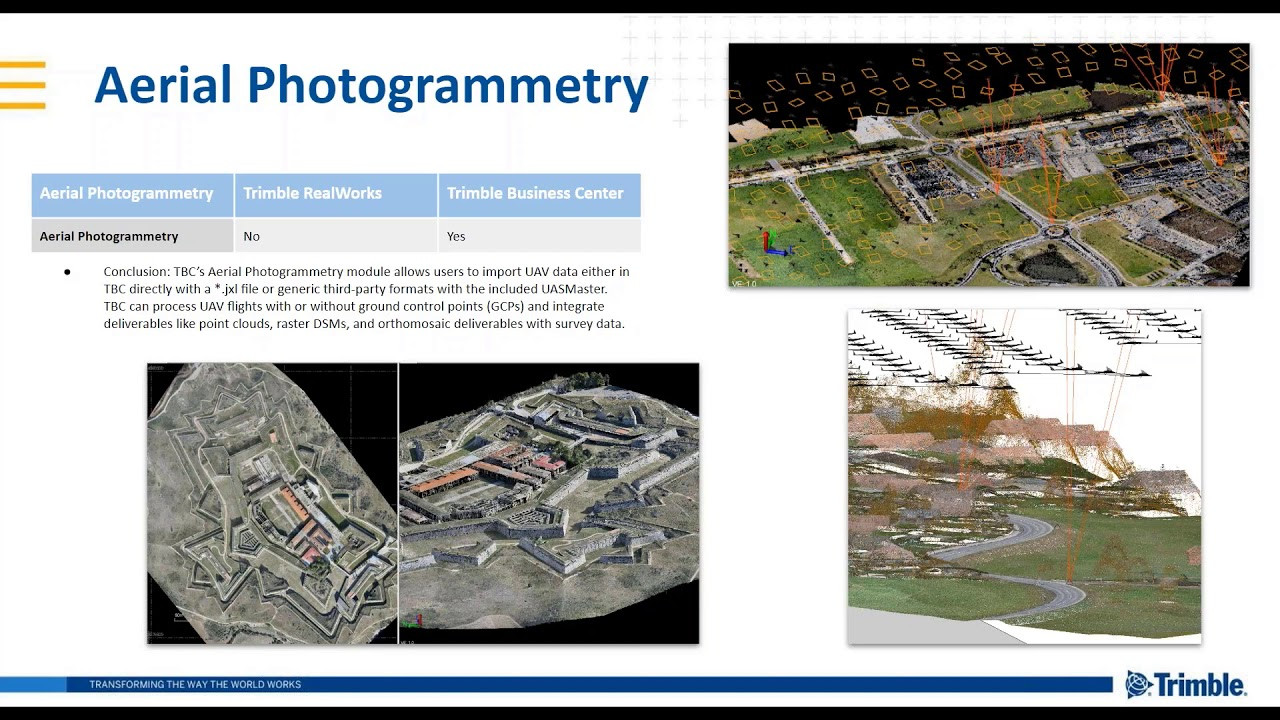
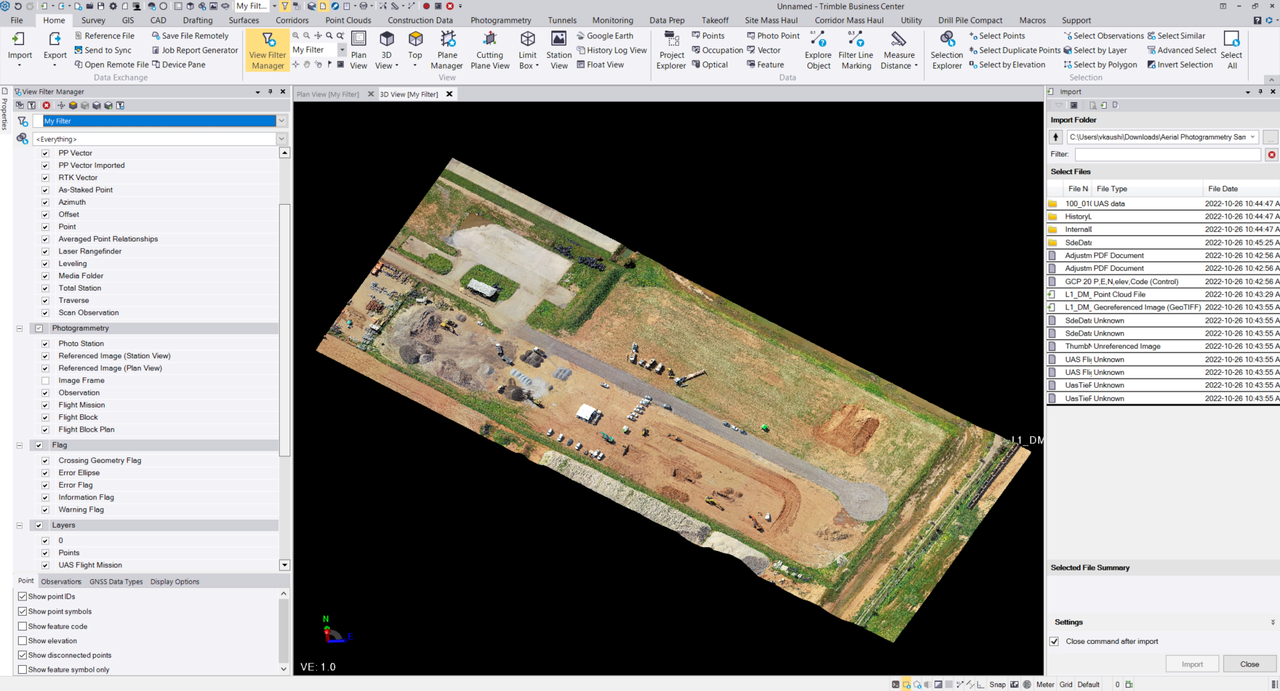
The Trimble Business Center (TBC) Aerial Photogrammetry Solution brings advanced workflow capabilities together with existing survey and data processing features.
Key Features:
- Original Ground Topography: Create highly-accurate topographic and contour maps for existing grade tie-ins and site preparations
- As-Built Topography: Capture accurate vertical or earthwork conditions for validation and prove it with detailed adjustment reports
- Volume Quantities: Save time and money, in the field and office, with quick, repeatable and accurate stockpile computations
- Inspection & Change Detection: Leverage new heat mapping comparison, feature extraction and visual inspection tools to optimize point clouds and orthomosaics
- Quick Image Adjustment and Processing: Reduce the amount of time spent waiting for deliverables with a performance engine that has more than 25% production compared with similar options
- Improved Deliverable Quality: Generate more detailed and accurate orthophotos and high-quality, dense point clouds to achieve better linework and more accurate basemaps
- UAV Integration: Through the seamless import of UAV data, the info will be automatically read after transfer into TBC, then used for the next processing steps
- All-In-One Platform: Manage all your aerial photogrammetry, survey and construction data with one robust platform
Specifications
| SKU | |
|---|---|
| Brand | Trimble |
Full specifications available on request.
Resources
Manuals & guides
-
Tech NotesDownload
PDF, 2 MB
Videos
-
TBC APM | Simplified Drone Data ProcessingWatch
YouTube video
Looking for something else? Browse the resource library.
Service & support
Calibration and service
Annual cleaning and calibration keeps it accurate. In-house, by factory-trained technicians.
Service & repairRequest a repair
Tell us what it is doing and we will tell you what happens next.
Start a repair requestTalk to the service desk
Questions about setup, firmware or a fault in the field.
Call 724-266-1600, Opt. 2