
Trimble Access Field Survey Software
Price by quote
-
Warranty repairs and calibration, in-house. Service & repair
-
Genuine equipment, sold and supported by PLI.
Details
Support Bulletins | YouTube | Help Portal
Trimble Site
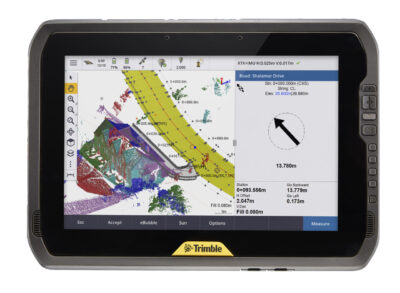
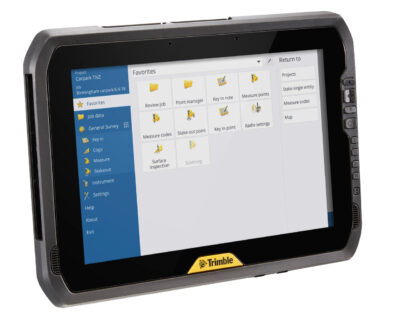
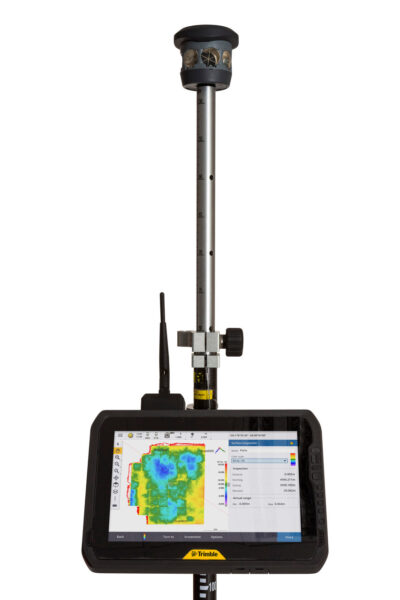
Trimble Access Software continues to be a leading field software used by professional surveyors around the world.
With Trimble Access, the goal is to provide functionality that supports efficiency, accuracy and ease-of-use with simplified workflows.
Trimble Access Versions Include
Trimble Access Roads | Trimble Access Pipelines | Trimble Access Tunnels
Trimble Access Mines | Trimble Access Mobile Inspector
Put Software Licensing on Your Terms | Learn More
Key Features:
- Designed to support your everyday survey workflows
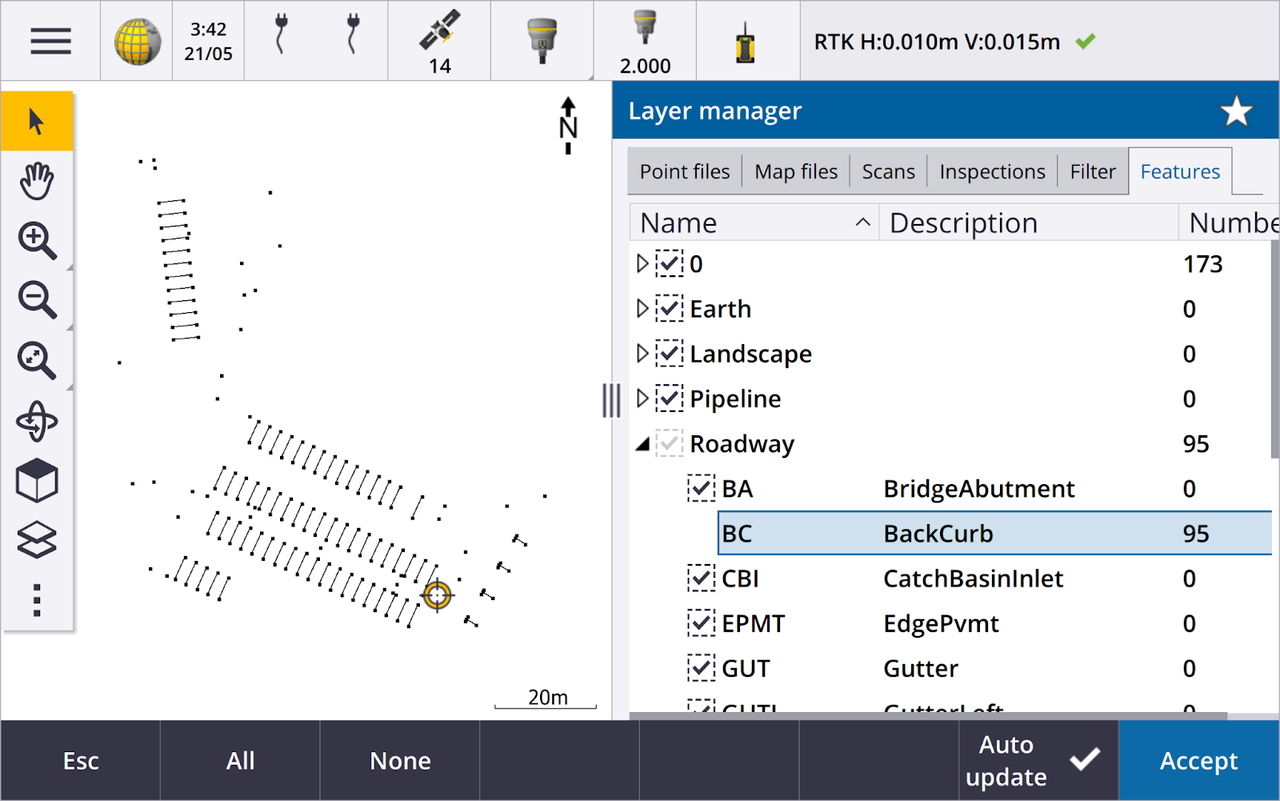
- One-tap, easy-to-use feature coding
- Powerful COGO routines
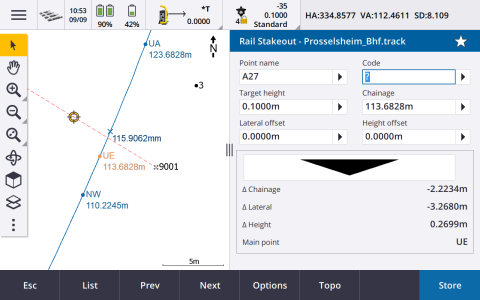
- Graphical staking of points, lines, arcs and alignments from active maps
- Integrated Surveying technology combines optical, scanning and GNSS data plus images in the same job
- Schedule automatic upload times for data transfer to the cloud at a convenient time
- Use Web Feature Services (WFS) to stream and stakeout from maps to cadastral database to a data collector in the field
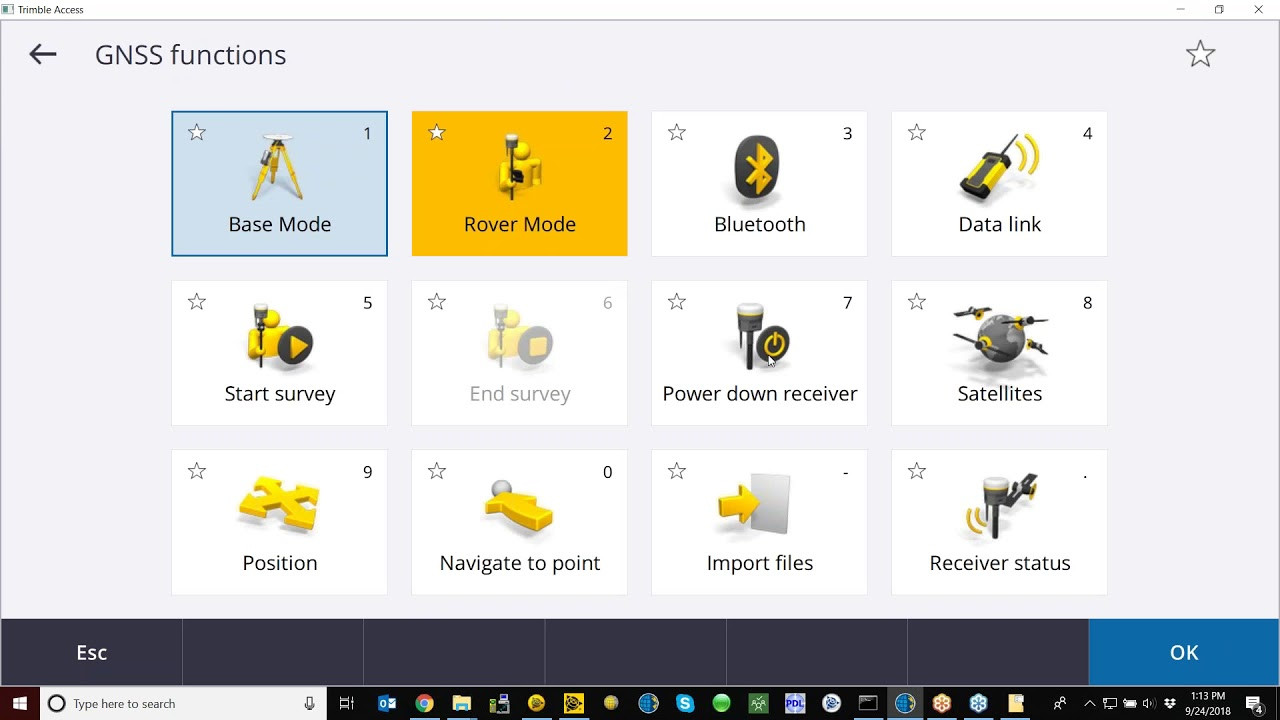
- Setup an internet base station using an external receiver wifi connection
- Integrate with BIM models, with IFC and TrimBIM files, now supported, users can view and use IFC files and TrimbBIM (.trb) files on an Android controller running Trimble Access
- Control code behavior aligns with TBC control codes, helping to streamline the collection and management of data from field to office
Specifications
| SKU | |
|---|---|
| Brand | Trimble |
Full specifications available on request.
Resources
Datasheets & brochures
-
Release NotesDownload
PDF, 127 KB
Videos
-
Trimble Access 2023.00 – OverviewWatch
YouTube video

Looking for something else? Browse the resource library.
Service & support
Calibration and service
Annual cleaning and calibration keeps it accurate. In-house, by factory-trained technicians.
Service & repairRequest a repair
Tell us what it is doing and we will tell you what happens next.
Start a repair requestTalk to the service desk
Questions about setup, firmware or a fault in the field.
Call 724-266-1600, Opt. 2Related products

Rentable