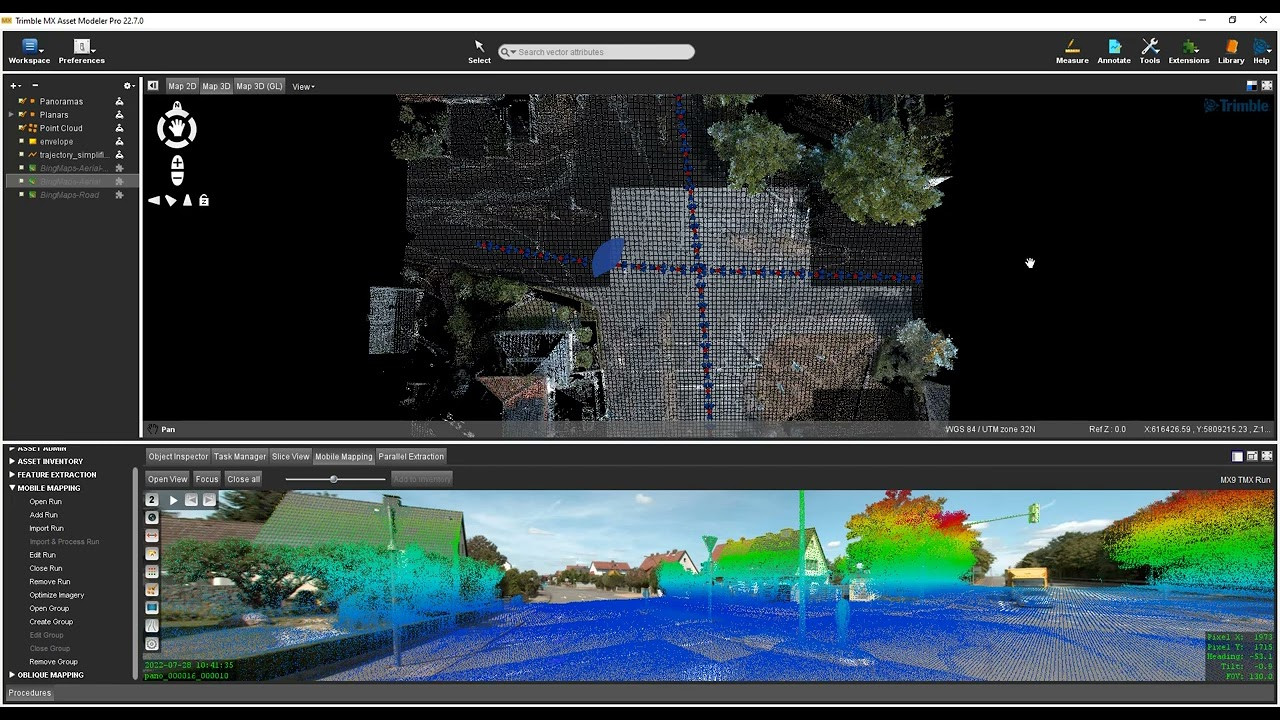

Trimble MX Mobile Mapping Software
-
Warranty repairs and calibration, in-house. Service & repair
-
Genuine equipment, sold and supported by PLI.
Details
Knowledge Base
Release Notes | Archive | Trimble Site
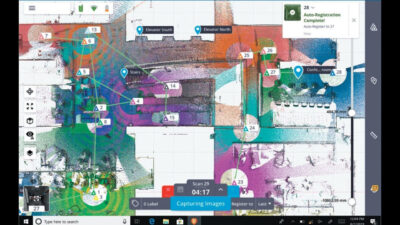
Mobile mapping operations collect massive datasets very quickly – It’s important to have the right tools to simplify data organization, feature extraction and customer collaboration.
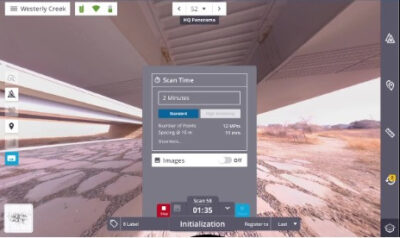
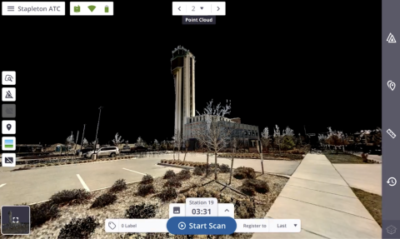
Trimble MX software supports a variety of mobile mapping data – standalone imagery or imagery with point clouds.
Neatly organize all single runs, bundle raw data into manageable projects, clean up artifacts, control positional accuracy, consolidate vital details and deliver excellent results.
Key Features:
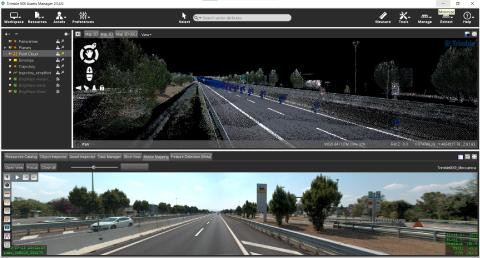
- Trimble MX Assets Manager efficiently cleans and organizes the data for the production of final deliverables
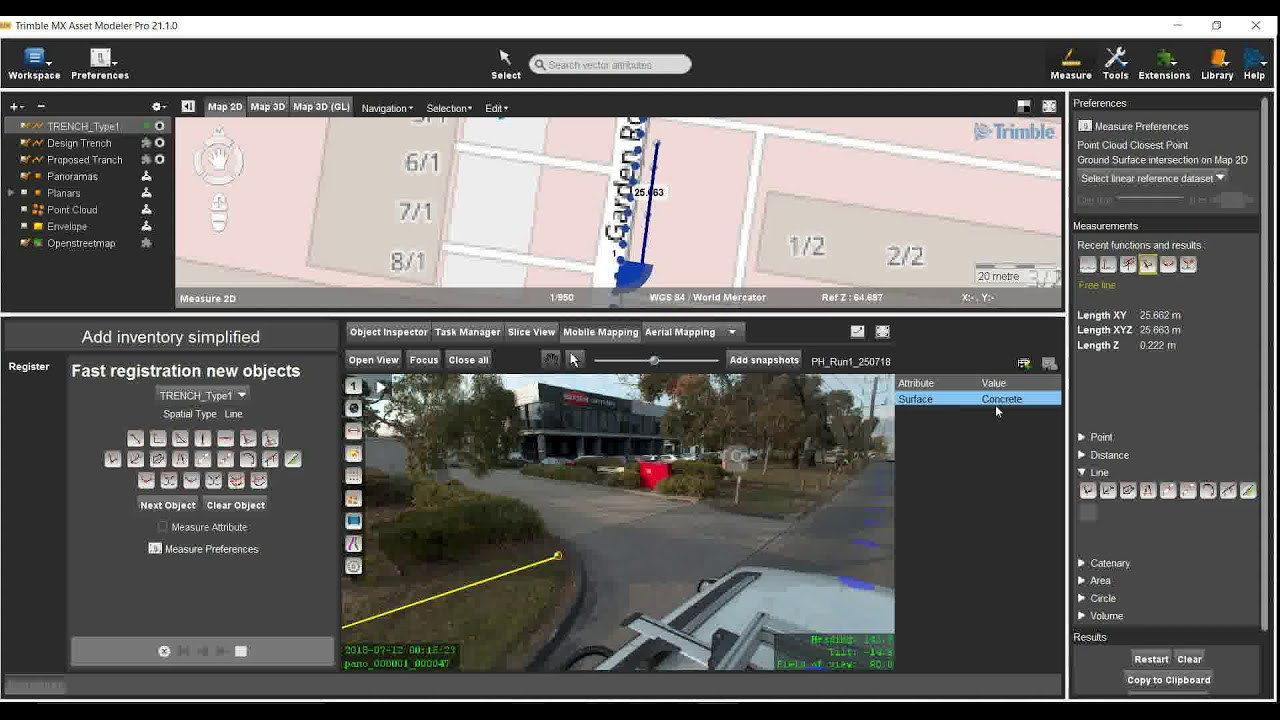
- Trimble MX Assets Manager helps you easily extract features and measurements to populate geodatabases and many other systems of records. Multiple desktops can connect simultaneously to the same mobile mapping dataset. Multiple operators can extract assets using as hared, common attribute schema, and organizing data in the main database has never been easier.
- Trimble MX Publisher simplifies the sharing of mobile mapping results with project stakeholders
- Trimble MX Publisher enables direct connection to databases. Extract and store new features directly in the connected database, or use the available Trimble MX Publisher Plug-Ins to access mobile mapping data in many popular GIS and CAD environments.
Specifications
| SKU | |
|---|---|
| Brand | Trimble |
Full specifications available on request.
Resources
Datasheets & brochures
-
BrochureDownload
PDF, 1 MB
-
Tech SpecsDownload
PDF, 883 KB
Firmware & software
-
Trimble 2021 01 Geo Pd Mm Tmx_software_landingpage Formgate.html Software & downloadsOpen (opens in a new tab)
Web page · go2.trimble.com
Looking for something else? Browse the resource library.
Service & support
Calibration and service
Annual cleaning and calibration keeps it accurate. In-house, by factory-trained technicians.
Service & repairRequest a repair
Tell us what it is doing and we will tell you what happens next.
Start a repair requestTalk to the service desk
Questions about setup, firmware or a fault in the field.
Call 724-266-1600, Opt. 2