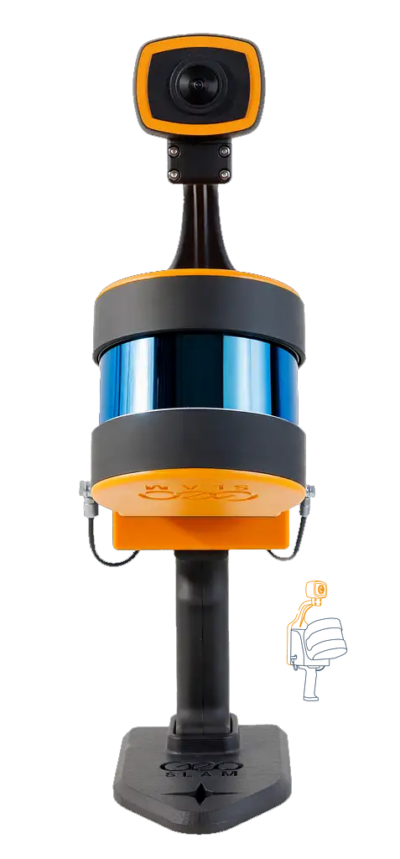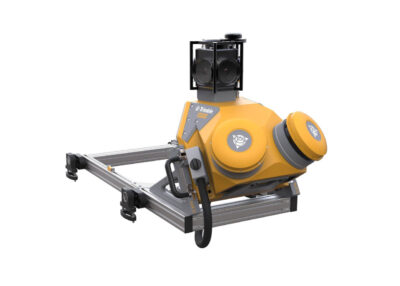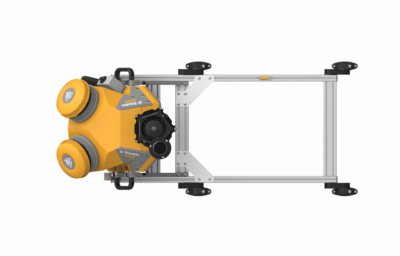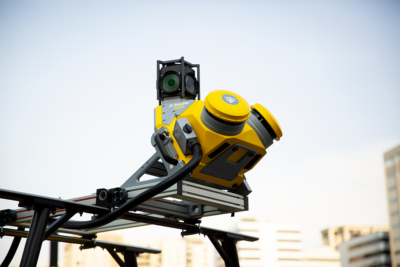
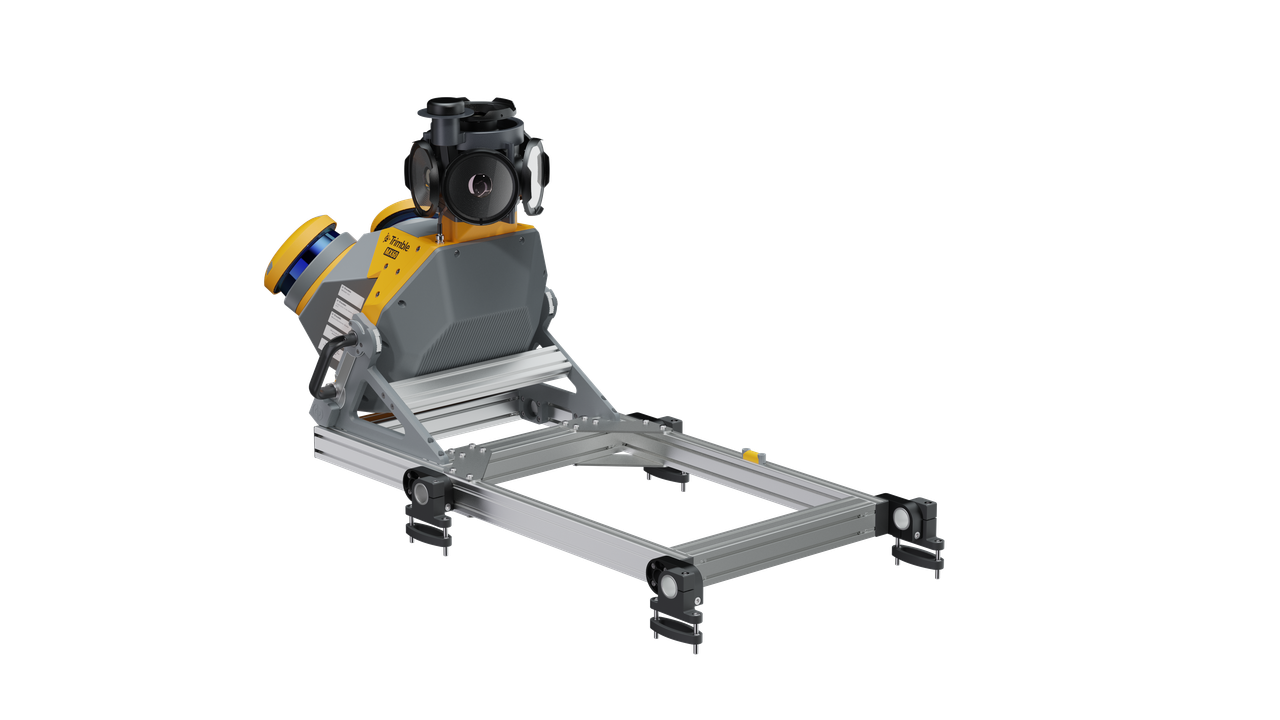
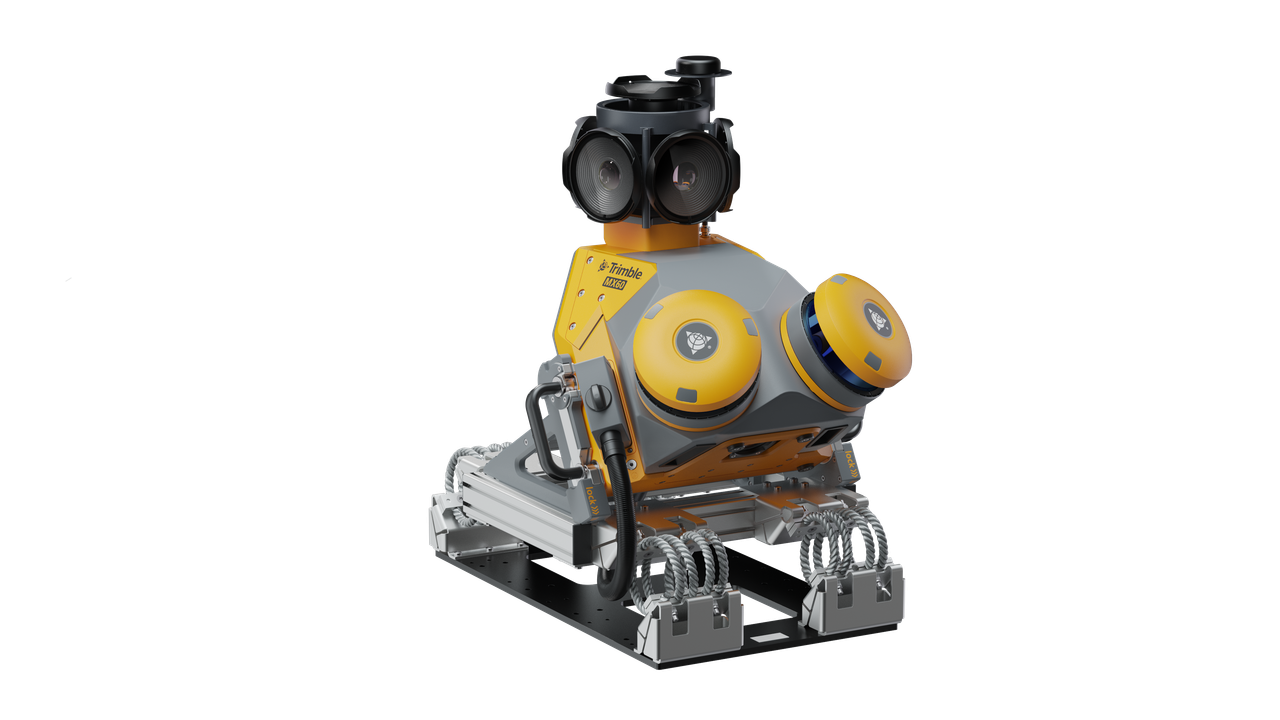

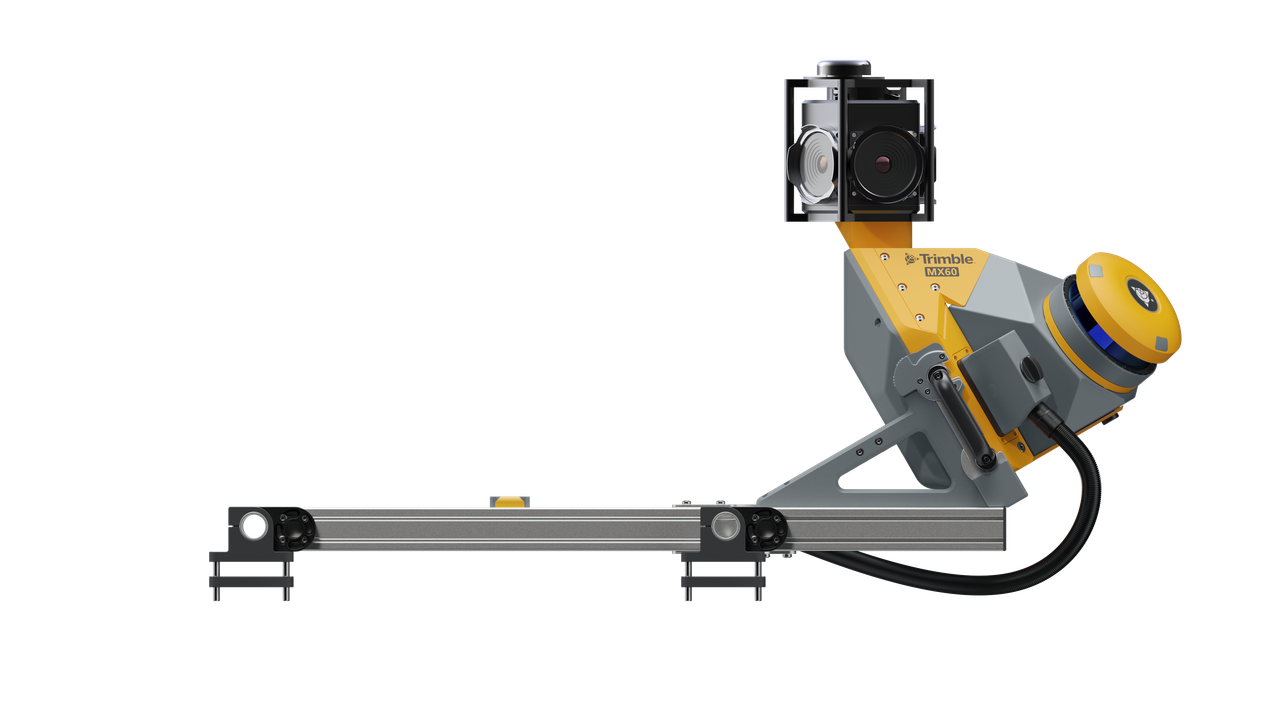
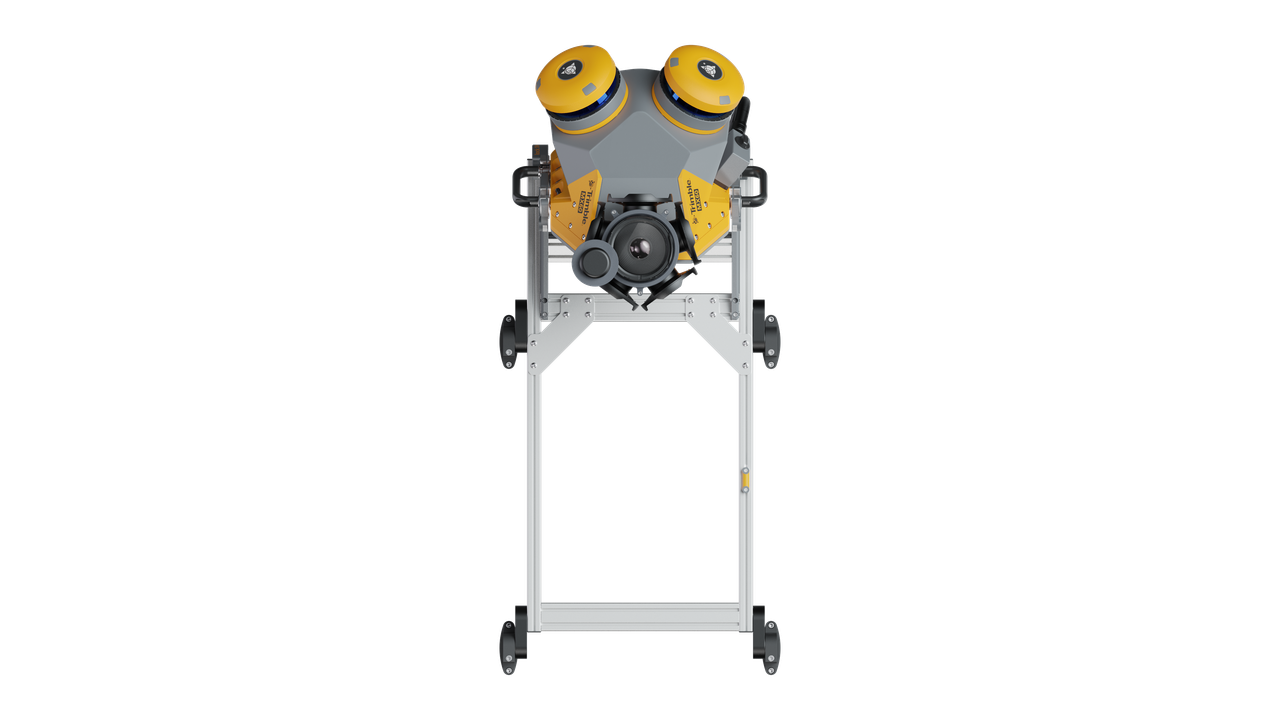

Trimble MX60 Mobile Mapping System
-
Warranty repairs and calibration, in-house. Service & repair
-
Genuine equipment, sold and supported by PLI.
Details
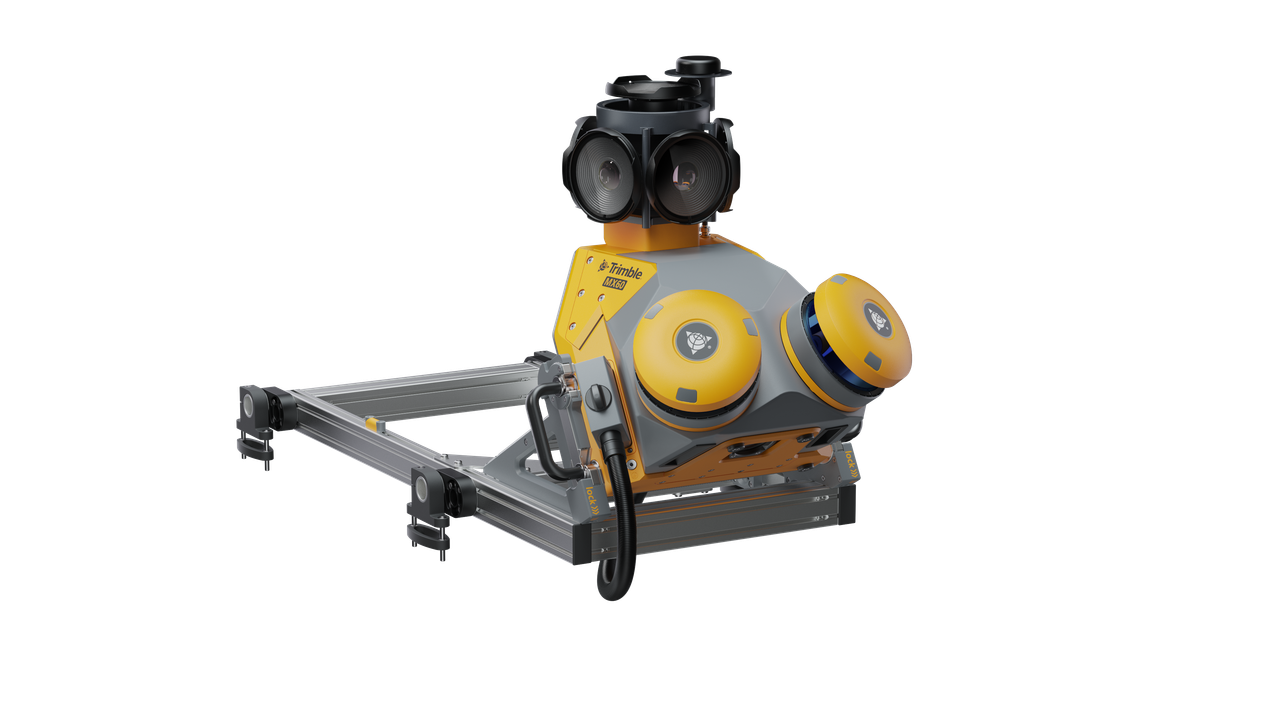
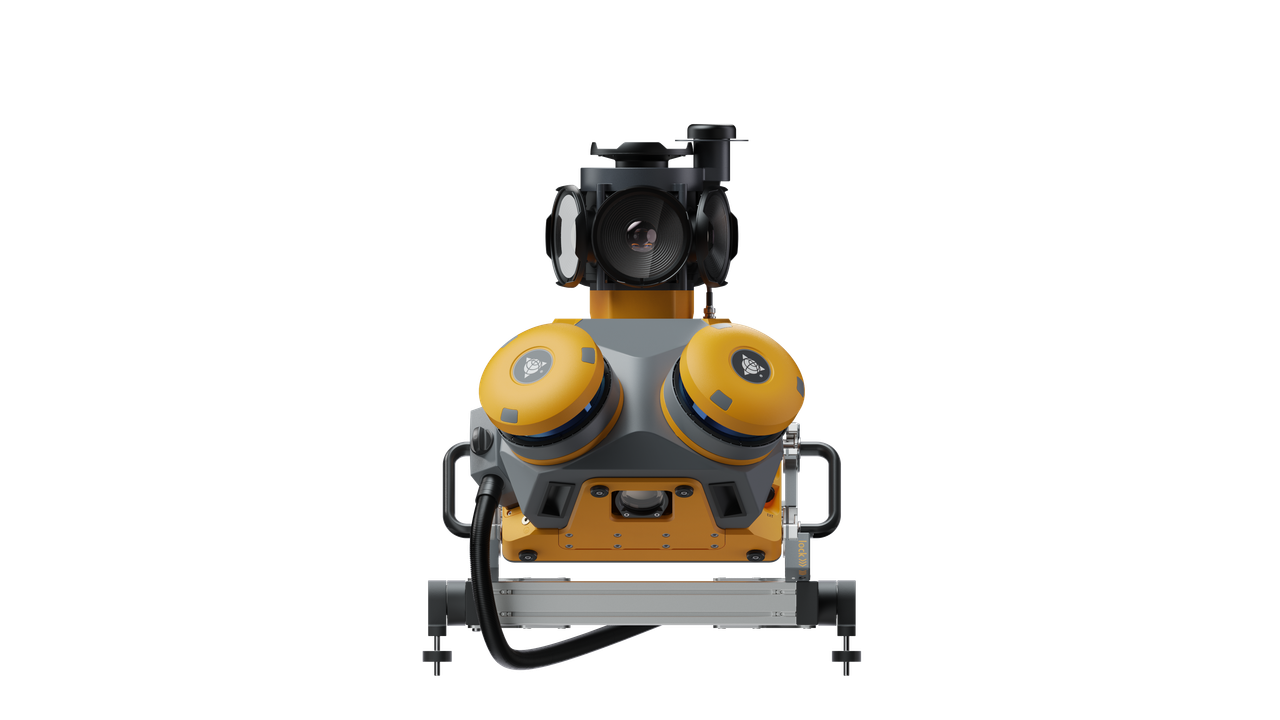
The Trimble® MX60 is the latest addition to the Trimble mobile mapping portfolio, boasting significant advancements over existing models. Designed to meet the diverse needs of surveying and asset management professionals, the MX60 offers improved positioning and optics, making it an ideal tool for transportation infrastructure and road analysis work and comprehensive asset management for utilities, including fiber to the home.
Key Features
- Laser Effective Measurement Rate Up to 2000kHz
- Spherical Camera Up to 72MP
- Embedded Trimble GNSS-Inertial System (Trimble InFusion+ with ProPoint Engine)
- Practical Mobile Mapping System combining precise LiDAR data and immersive panoramic imagery
- State-of-the-art Trimble LiDAR technology integrated with a proven and reliable mobile platform
- Accurate point clouds for applications such as road surfaces, highway maintenance or asset management
- Simple system installation with intuitive, browser-based operation
- Complete field-to-finish workflows, provided by Trimble, capture, process, extract and share
Applications
Whether you’re a first-time mobile mapping user looking for a step change in productivity or an experienced mobile mapping professional considering adding additional capacity to your fleet, the Trimble MX60 will generate reliable deliverables for a range of applications.
- Highway Assets
- Utility Assets
- City Assets
- Ground Models
- Engineering Profiles and Cross-Sections
- Road Surfaces
Specifications
| SKU | |
|---|---|
| Brand | Trimble |
| Weight | 1.00 lbs |
Full specifications available on request.
Resources
Datasheets & brochures
-
Application OverviewDownload
PDF, 1 MB
-
DatasheetDownload
PDF, 491 KB
Looking for something else? Browse the resource library.
Service & support
Calibration and service
Annual cleaning and calibration keeps it accurate. In-house, by factory-trained technicians.
Service & repairRequest a repair
Tell us what it is doing and we will tell you what happens next.
Start a repair requestTalk to the service desk
Questions about setup, firmware or a fault in the field.
Call 724-266-1600, Opt. 2Related products