
Trimble Business Center Geospatial Office Software
-
Warranty repairs and calibration, in-house. Service & repair
-
Genuine equipment, sold and supported by PLI.
Details
Getting Started Resources | TBC Online Courses
Sample Datasets | Resources PDF | TBC Does That Collection | Trimble Site
Download TBC | Purchase a License | 30-Day Free Trial | Recent Releases
Installation Support | Community Forum
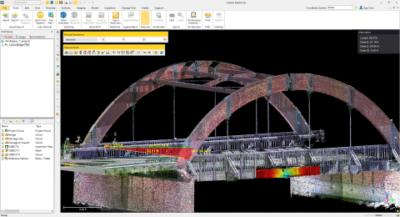
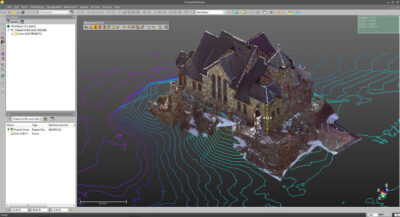
Trimble Business Center’s field-to-fisnish survey CAD software helps surveyors deliver high-accuracy GNSS data, create CAD deliverables and leverage full data traceability throughout a project’s lifecycle.
Put Software Licensing on Your Terms | Learn More
With the subscription-based licensing plans for Trimble Business Center Software, we’re putting you at the center of it all. With lower upfront costs, access to more capabilities, the latest updates and visibility into usage, scale your license with your needs.
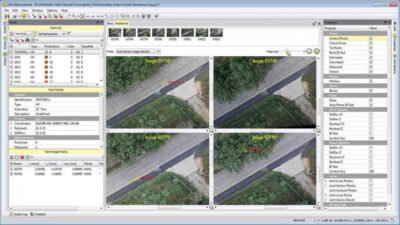
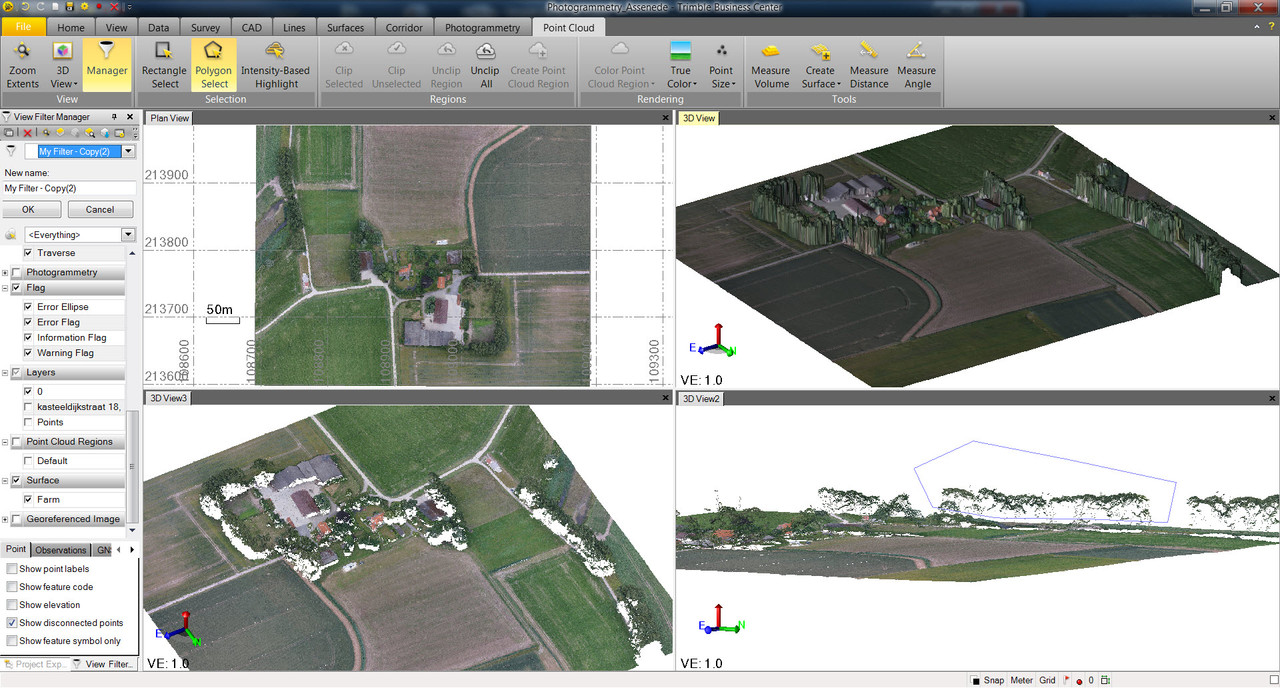
Aerial Photogrammetry | Learn More
- Streamlined Workflow
- Fast Adjustment Speeds
- High-Quality Deliverables
- UAV/UAS Integration
Data Traceability
- Trace Back to Raw Survey Measurements
- Skip Processing & Adjustments
- Know Where Your Data Comes From
- Instant Results
Survey Adjustments
- Process Control
- Run Travers Adjustments
- Combine Multiple Data Sources
- Achieve an Accurate Network
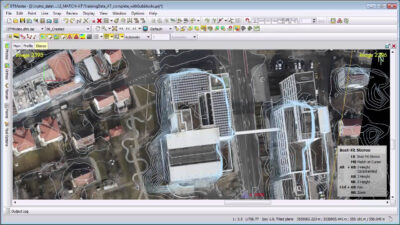
CAD Capabilities
- CAD Command Line
- Customized Drafting Templates
- Simplified Section Tools
- 2D/3D Section Views
Surfaces & Corridors
- Multiple Graphical Views
- Precise Volume Computations
- Contour Lines
- Cut-Fill Maps
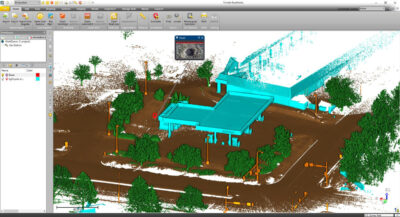
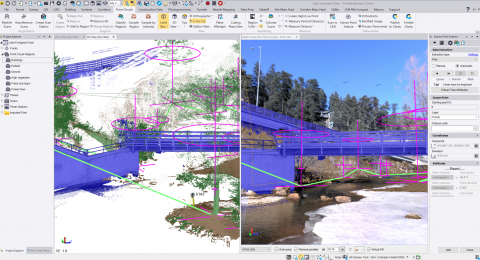
Point Cloud Tools
- Work Alongside Traditional Measurements
- Regional Classification
- Density Sampling
- Feature Extraction
Vertical Workflows
- Tunneling
- Monitoring
- Mobile Mapping
- Quantity Takeoffs
Interoperability
- ESRI, Autodesk, Bentley
- Geodatabase Connections
- Feature Mapping
_ CAD Exports
Trimble Business Center is Compatible with Trimble’s Industry-Leading Geospatial Solutions, Including
Trimble Access | Trimble SX12 | Trimble R12i | Trimble R780
Specifications
| SKU | |
|---|---|
| Brand | Trimble |
Full specifications available on request.
Resources
Firmware & software
-
Trimble Tbc V390 Download.html Software & downloadsOpen (opens in a new tab)
Web page · infogeospatial.trimble.com
-
Trimble Tbc V390 Download.html Software & downloadsOpen (opens in a new tab)
Web page · infogeospatial.trimble.com
-
Trimble Tbc V390 Download.html Software & downloadsOpen (opens in a new tab)
Web page · infogeospatial.trimble.com
-
Trimble Tbc V390 Download.html Software & downloadsOpen (opens in a new tab)
Web page · infogeospatial.trimble.com
-
Trimble Tbc V390 Download.html Software & downloadsOpen (opens in a new tab)
Web page · infogeospatial.trimble.com
-
Trimble Tbc V390 Download.html Software & downloadsOpen (opens in a new tab)
Web page · infogeospatial.trimble.com
-
Trimble Tbc V390 Download.html Software & downloadsOpen (opens in a new tab)
Web page · infogeospatial.trimble.com
Videos
-
Trimble Business Center: OverviewWatch
YouTube video

Looking for something else? Browse the resource library.
Service & support
Calibration and service
Annual cleaning and calibration keeps it accurate. In-house, by factory-trained technicians.
Service & repairRequest a repair
Tell us what it is doing and we will tell you what happens next.
Start a repair requestTalk to the service desk
Questions about setup, firmware or a fault in the field.
Call 724-266-1600, Opt. 2Related products