
Forensics Capture Software
-
Warranty repairs and calibration, in-house. Service & repair
-
Genuine equipment, sold and supported by PLI.
Details
Release Notes
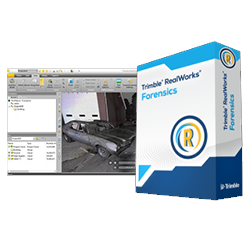
Trimble Forensics Capture is designed for the forensics investigator, with wizard-guided workflows, to make data collection and scene mapping efficient and reduce time on the site.
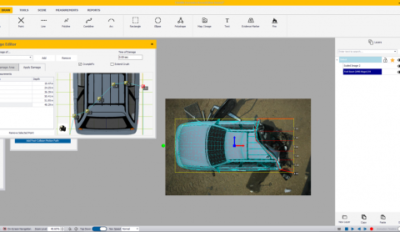
It simplifies scene evidence gathering and enables a seamless transition to Trimble Forensics Reveal desktop software for in-depth analysis.
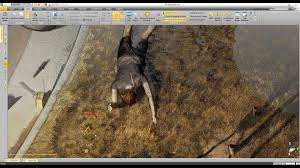
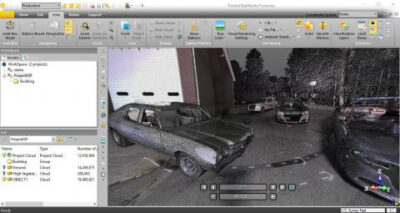
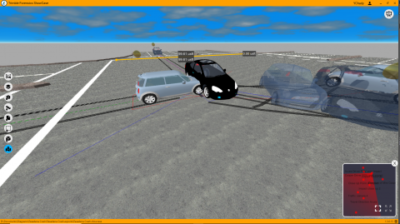
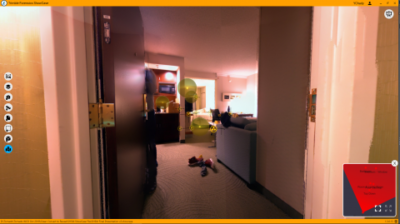
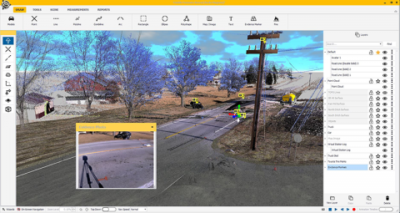
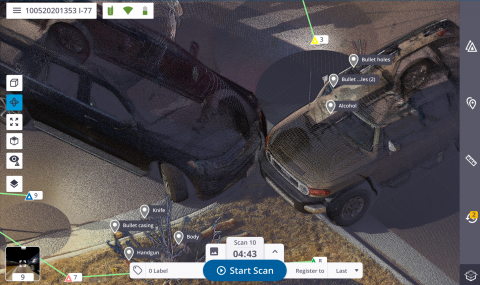
Capture enables workflows that are smooth, simple and easy to manage. In the field, you can see a diagram of your scene as you shoot it – in 2D or 3D, from any angle – and quickly zoom-in on evidence-rich areas. And, by adding notes and photos to your prints, your work back in the office becomes easier and more productive.
Key Features:
- View and edit in 2D or 3D
- Seamless integration with Trimble Reveal Software
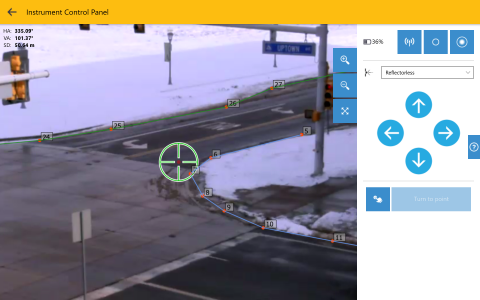
- Robotic total station support
- Built-in point cloud libraries
- Radio bridge connectivity
- Bluetooth connection capabilities
- new and improved UI
- Up-to-date Android operating system
- Email sharing
- Evidence marker system with support for photos
- Touch controls; no need for a stylus
- Distance measurements between points
- Easy import options for Trimble Reveal
Support & Downloads
Download Capture | Download File Conversion Utility
Specifications
| SKU | |
|---|---|
| Brand | Trimble |
| Weight | 1.00 lbs |
| Dimensions | 1.00 × 1.00 × 1.00 in |
Full specifications available on request.
Resources
Manuals & guides
-
How to Install Capture via TIMDownload
PDF, 700 KB
- Download
-
Trimble Globaltrl.aspx ManualOpen (opens in a new tab)
Web page · forms.trimble.com
Videos
- Watch
- Watch
-
What’s New in Capture 3.5 | Trimble ForensicsWatch
YouTube video
-
Your Wyndham Is Waiting :30Watch
YouTube video


Looking for something else? Browse the resource library.
Service & support
Calibration and service
Annual cleaning and calibration keeps it accurate. In-house, by factory-trained technicians.
Service & repairRequest a repair
Tell us what it is doing and we will tell you what happens next.
Start a repair requestTalk to the service desk
Questions about setup, firmware or a fault in the field.
Call 724-266-1600, Opt. 2